
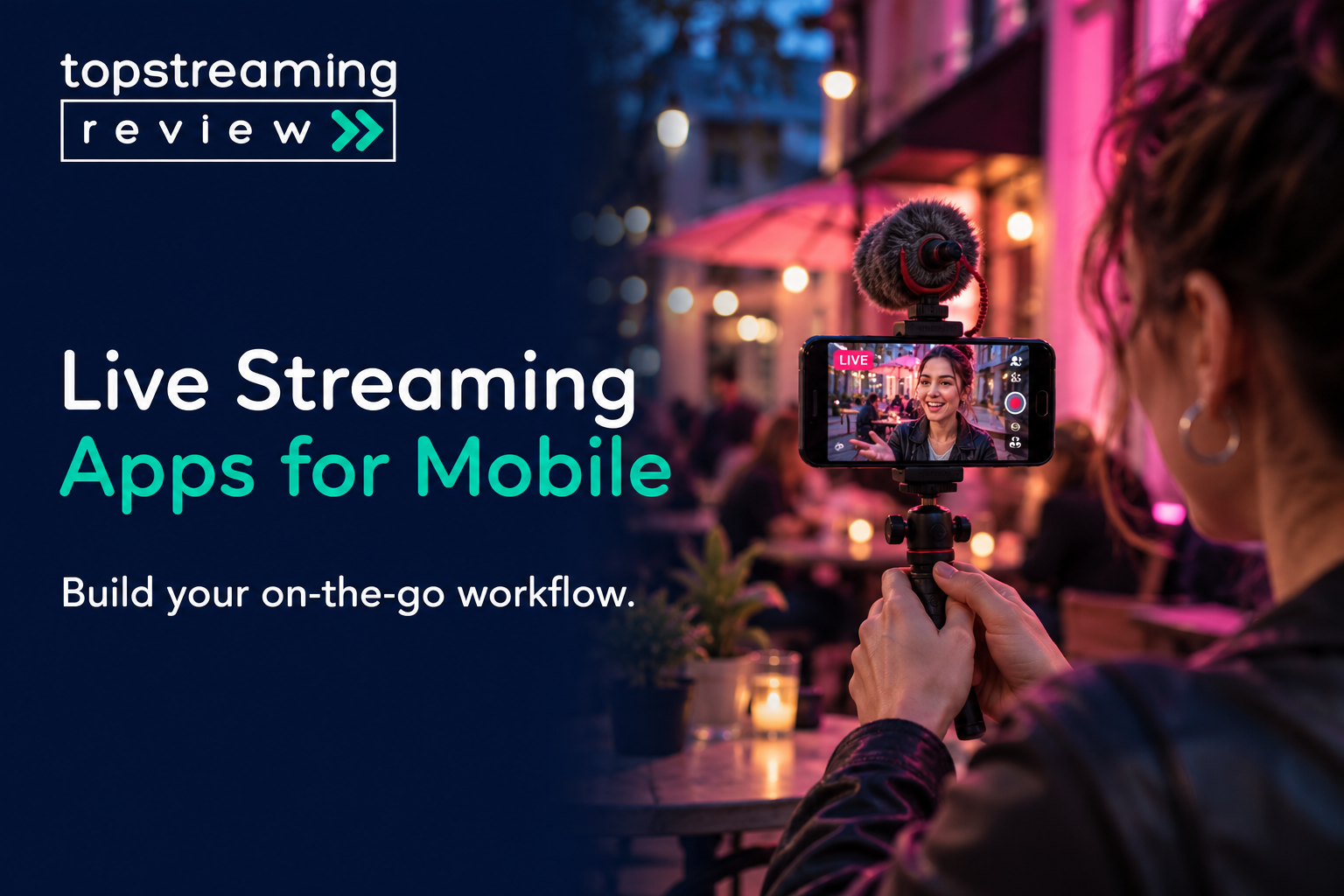
For a straightforward YouTube broadcast, start with the YouTube app. PRISM Live Studio is worth considering when the show needs layered graphics; Streamlabs Mobile makes more sense when game capture, alerts and community tools drive the format. Larix Broadcaster suits a phone feeding an encoder destination or remote producer, while Moblin gives iPhone IRL streamers a more technical route with connection bonding.
The deciding question is what must happen between your phone camera and the viewer. An app that adds overlays cannot grant a blocked account permission to broadcast. A multistream subscription cannot repair a mobile dead zone. Pick the shortest complete route that supports your show, then rehearse that route on the actual phone and connection.
This is a research-based selection using official product documentation and platform rules. The recommendations are TSR editorial judgments, not results from comparative phone, battery or network testing.
In this article
- Match the app to the stream path
- YouTube: keep a simple one-channel stream simple
- PRISM Live Studio: compose the show before you go live
- Streamlabs Mobile: useful when alerts and mobile games are the show
- Larix Broadcaster: send a camera feed into a production system
- Moblin: an iPhone field app with a receiver to plan
- Budget the upload and the recording
- Rehearse the whole route, then diagnose the failing layer
- Frequently asked questions
Match the app to the stream path
A native platform app combines broadcasting and audience access. A production app composes your picture before sending it elsewhere. A contribution encoder sends the phone feed to a receiving system, where someone may still need to mix and publish it. Those are different jobs, even when every app offers a Go Live button.
| App | Phone | Useful fit | Boundary that changes the choice |
|---|---|---|---|
| YouTube | iPhone / Android | One eligible YouTube channel | Mobile eligibility and visibility; no external production layers assumed. |
| PRISM Live Studio | iPhone / Android | Camera show with prepared media | Free one-channel output; Plus for multistream and branding removal. |
| Streamlabs Mobile | iPhone / Android | Games, alerts and community scenes | Android screen + camera documented; verify mobile-specific entitlements. |
| Larix Broadcaster | iPhone / Android | Contribution to a compatible receiver | Free-session stop limit; Broadcaster differs from Screencaster. |
| Moblin | iPhone | Technical IRL and bonded contribution | Compatible receiving endpoint required for the chosen protocol. |
Start with one destination and one working microphone. Add layers only when they solve a visible need, such as identifying a guest or showing gameplay alongside your face. If your event depends on registration, attendee management and slides, compare webinar hosting platforms before trying to build that workflow around a phone-camera app.
Use YouTube for a simple authorized destination; PRISM or Streamlabs when scenes, overlays or alerts are required.
Use Larix or Moblin when the phone feeds a compatible receiving system. Plan the receiver as well as the phone.
YouTube: keep a simple one-channel stream simple
The native YouTube app is the sensible starting point for an eligible channel doing a quick update, demonstration or audience Q&A. You can schedule a mobile broadcast, set its visibility and stream your screen. Keeping the event inside the destination app avoids an extra stream-key or account-integration step.
Access is the first check. YouTube’s mobile requirements include at least 50 subscribers, channel verification and no live-streaming restriction in the previous 90 days; first activation can take up to 24 hours. Its general live-streaming rule requires creators to be at least 16. Channels below 1,000 subscribers may face mobile audience limits and a private archive by default. Confirm the scheduled event’s visibility before sharing the link.
Move to another app when you need production controls the native route does not provide for your format, rather than assuming external software is automatically more professional. A third-party encoder still needs an authorized destination. It is not a remedy for an account restriction.
PRISM Live Studio: compose the show before you go live
PRISM’s My Studio lets you prepare assets such as images, video, text and web sources around a phone-camera broadcast. That suits a cooking demonstration with ingredient labels or a stream where a title card and camera view need to feel like one show. Its mobile guide also covers screencasting and virtual-character streaming on Android and iOS.
The useful buying boundary is the finished output. PRISM’s subscription notice assigns one channel to the free tier; Plus adds up to six channels and removes the watermark and outro. Do not prepare a client-branded broadcast on the assumption that a free download means a clean, unbranded feed. Check the local in-app offer, billing period and renewal charge before subscribing.
There is a more consequential control than another filter: PRISM’s encoding settings include adaptive bitrate, which can reduce bitrate and frame rate as the network changes. Its FAQ says encoding settings cannot be changed once the broadcast starts. For an instructional example, if your rehearsal only works with adaptation enabled, starting the real stream with it off sacrifices that safety margin. A sharper static preview is not evidence of a better live result. PRISM also warns that sustained high-resolution broadcasts can heat the phone. Rehearse for the expected duration with the real effects and power arrangement, not just until the first picture appears.
PRISM documents external microphone support, but its mobile FAQ does not support a webcam or DSLR as a general external-camera input. A USB microphone and a USB video capture device are not interchangeable purchases. If your plan revolves around an HDMI camera, establish a supported input chain before buying accessories.
Streamlabs Mobile: useful when alerts and mobile games are the show
Streamlabs combines mobile scenes, alerts, widgets and chat with camera or game broadcasting. The Android app specifically documents simultaneous screen and camera capture. That distinction matters for a mobile-game show: confirm the same composition on your own OS before designing a face-camera layout around an Android example.
For a two-platform mobile show, budget for Ultra unless your installed app explicitly offers the access you need. Streamlabs’ Mobile FAQ documents one free destination and puts immediate multistream access, full themes and Disconnect Protection in Ultra; rewards can unlock some premium access. A free Dual Output offer for the broader suite does not establish the same mobile entitlement. The destination picker is the practical check before you commit.
Disconnect Protection preserves an online presence with a fallback screen when the connection fails; it cannot deliver camera pictures that never reached the service. Network Boost addresses a different part of the path. Its setup guide specifies an iOS primary streaming device at launch, an Ultra or Ultra+ subscription and multiple connections, with relay devices used in supported setups. Android creators should not buy Ultra solely on the assumption that this iOS-led workflow already works identically on their phone.
Larix Broadcaster: send a camera feed into a production system
Larix is the stronger fit when a producer gives you a server address, stream key or SRT connection details instead of asking for a social-platform login. Its documented Android controls include RTMP/RTMPS and SRT connection modes and parameters. A remote operator can receive the camera contribution, add graphics and send the finished programme onward. Our guide to streaming encoder tools explains where that receiving production system fits.
Here, compatibility matters more than a long effects menu. Match the protocol and codec to the receiver. An SRT address is not a substitute for an RTMPS address, and enabling a codec at the phone does not prove the receiving service accepts it. Use the settings supplied for that specific ingest rather than a generic maximum-quality preset.
The free-session boundary is unusually important. Softvelum states that Larix Broadcaster allows 30 minutes, then another 30 minutes with a mandatory overlay, before stopping; protocol-specific exceptions also apply. Premium removes the general time limit and the applicable watermarks. In a hypothetical 75-minute ceremony, the free session is therefore the wrong production plan even if a five-minute rehearsal succeeds. Larix Screencaster is a separate screen-capture product with its own much shorter free limit, so do not transfer Broadcaster’s allowance to it.
Moblin: an iPhone field app with a receiver to plan
Moblin is free and open source, with Twitch-oriented chat and stream controls as well as support for other destinations. Its developer documentation lists RTMP(S), SRT, SRTLA, RIST and WHIP. For an iPhone creator who wants to manage a field stream and chat from one device, that is a more relevant distinction than whether an app advertises a large filter library.
The network feature needs an end-to-end plan. Moblin documents simultaneous cellular, Wi-Fi and Ethernet paths through SRTLA/RIST workflows. To use a chosen protocol, the receiving endpoint must support it; a plain social-platform RTMP destination does not turn into a bonding receiver. A relay or receiving production system may add cost and configuration even though the phone app is free.
TSR’s judgment is to consider Moblin when you can explain where the contribution lands and who maintains that receiver. Skip this route for a one-off broadcast if no one can configure or monitor the other end. Several paths can improve your options, but they do not guarantee coverage where all available connections fail.
Budget the upload and the recording
Multistreaming distributes a programme to several destinations. Bonding uses several network paths to carry a contribution. Neither term tells you how many full copies the phone is uploading. Separate local outputs consume their combined rates; a cloud service may accept one upload and distribute it onward. Confirm the actual architecture before sizing your data plan.
For a hypothetical single upload, 4 Mbps of video plus 128 kbps of audio is 4.128 Mbps. Multiplying by 0.45 gives about 1.86 GB per hour in decimal units, before protocol overhead, retransmissions and other traffic. Two full copies at those settings start near 3.72 GB per hour. Bonding traffic depends on the implementation, so do not assume it follows the two-copy example. Use our streaming bitrate calculator to compare picture demand with sustainable upload capacity.
Keep the recording question separate. PRISM provides a Save video after streaming option for camera and VTuber broadcasts. Enable the appropriate saving control before the event and open the resulting file afterward to confirm picture, sound and completeness. A platform preview, a local recording and a replay available to viewers are three different deliverables.
One 4 Mbps video feed plus 128 kbps audio uses about 1.86 GB per hour before overhead. Two complete uploads start near 3.72 GB. Bonding behavior depends on the implementation; these are planning calculations, not measured usage.
Rehearse the whole route, then diagnose the failing layer
The useful rehearsal includes the microphone, layout, destination and network you will actually use. A camera preview tests only the beginning of that chain. If a console or external camera is being added, compare capture-card requirements against the receiving app and computer; a capture card’s desktop compatibility does not establish mobile-app support.
- Confirm the account can broadcast and the intended event is available. Set the audience and visibility, then connect the correct destination without exposing its stream key.
- Connect the microphone and make a short recording. Listen to speech and game or media sound separately, then together, on another device with headphones.
- Rehearse the real layout and motion over the intended network. Inspect destination playback and ingest health; reduce output demand before piling on more effects.
- For screen capture, hide notifications and sensitive screens before starting. Rehearse switching views and muting so a private app or loud source does not enter the programme by surprise.
- End the test in the broadcasting app and confirm the destination has stopped. Open any saved file, check replay visibility and verify that the expected start and finish are present.
| What the viewer sees | Investigate first | Useful next action |
|---|---|---|
| No live event despite a working preview | Account / destination | Check broadcast access, event selection, key and visibility before changing resolution. |
| Picture arrives, external microphone is silent | Input chain | Record speech locally and check the selected source, permissions and adapter. |
| App or destination reports unstable ingest | Upload / encoder | Reduce rate or output demand; retest sustained playback and supported adaptation. |
| Session stops at a repeatable duration | Edition / session limit | Compare the installed app’s limit with programme length, including pre-roll. |
| Local file exists but replay is unavailable | Recording / publication | Open the file and separately check destination visibility and archive access. |
For a longer interview with guests, screen sharing and a producer, the next step may be webinar streaming software or a computer-based studio rather than a sixth phone app. The right upgrade removes an operating constraint; it does not merely add more buttons.
Frequently asked questions
Which mobile live-streaming app is genuinely free?
Moblin is a free iPhone app; YouTube’s native app has no separate broadcasting-app charge, subject to channel access. Streamlabs documents free single-destination mobile streaming. PRISM retains free basic streaming with branding and premium boundaries, while Larix’s free session is time limited. Mobile data, receiving services and accessories can still cost money.
Can I connect a DSLR or USB camera to any of these apps?
No. Check the exact phone, input device and app. PRISM’s mobile FAQ explicitly distinguishes supported microphones from unsupported webcam/DSLR input. A USB-C port alone does not establish video capture support. If a separate computer receives the camera, that is a different workflow from plugging it directly into the phone.
Will switching apps fix buffering?
It can help when the current app lacks a needed bitrate control or supported connection workflow. It will not create missing upload capacity or repair a destination access problem. Start with the failing layer in the diagnosis table, then change the app only when the alternative addresses that layer.
Related TSR guides
Match software and hardware to your production.
Read guide →Budget the upload before rehearsing.
Read guide →Compare registration and managed event workflows.
Read guide →


Leave a Reply