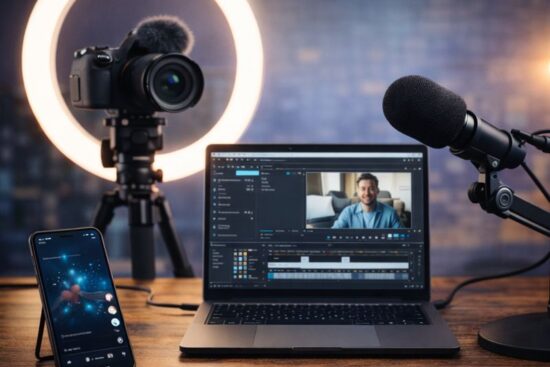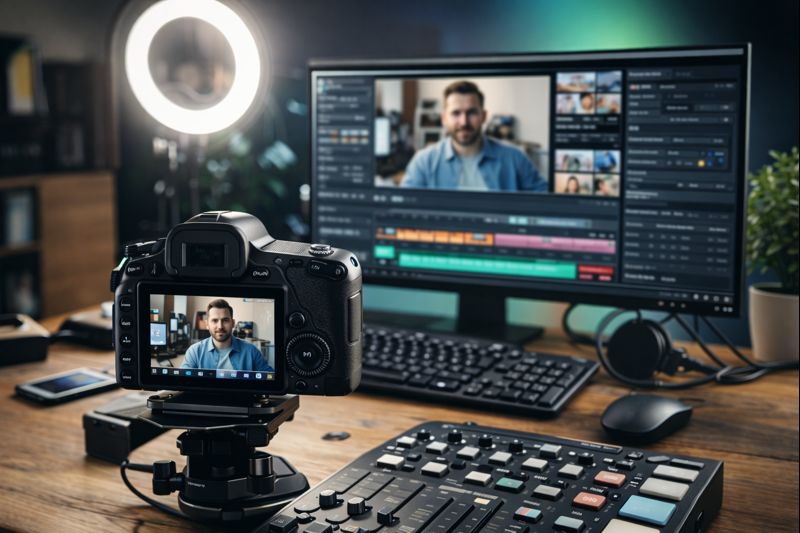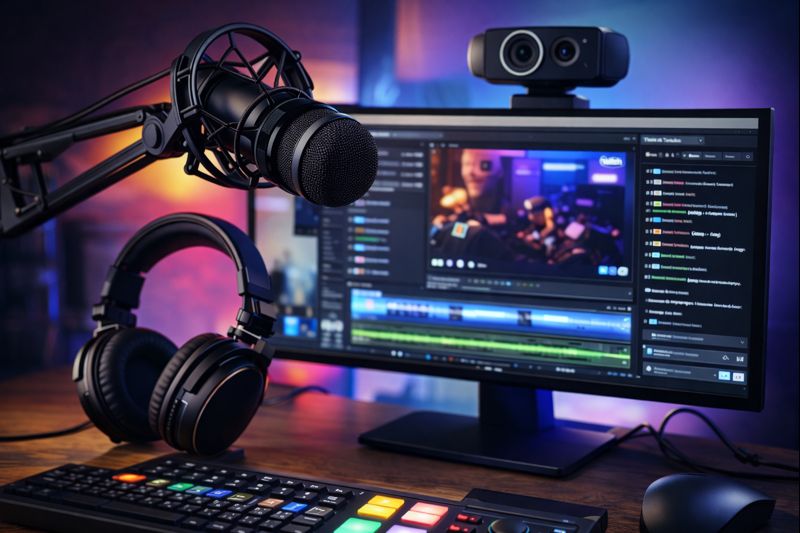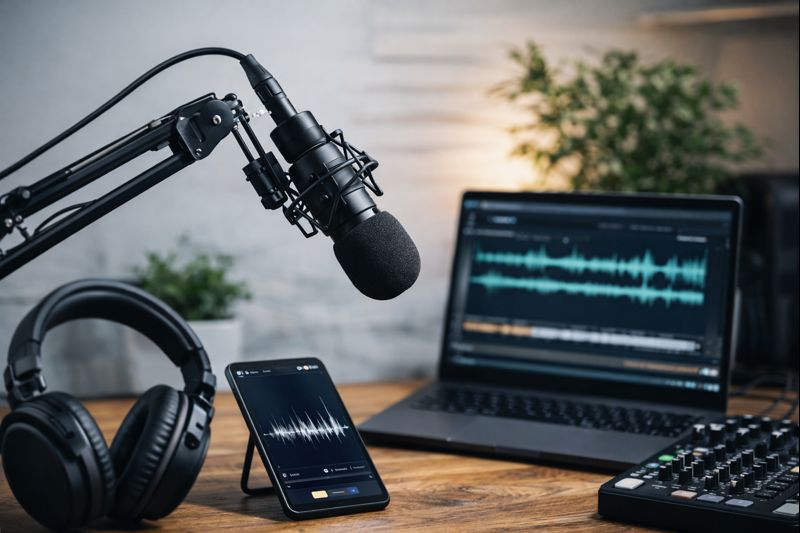
Explore the Best Tools for Creators, Streamers & Video Editors

From mobile editors to screen recorders, audio extractors to AI subtitle tools, we review and compare what creators actually use to build and publish content in 2026.

creators tools

Find the Right Creator Tools by Category

Audio Extractors

Strip high-quality audio from any video, YouTube, MP4, or web-based. Great for remixes, podcasts, and sound reuse.

Video Editors

Fast, mobile-friendly or pro-level editors with templates, timeline control, and smart exports.

Screen Recorders

Capture tutorials, livestreams, or demos with system audio and webcam overlays. Low-lag, high-resolution tested.

AI Subtitle Generators

Auto-generate captions, transcribe videos, and create multilingual subtitles in seconds.

Downloader Tools

Download from YouTube, Instagram, TikTok, and more. Clean UI, batch downloads, watermark options.

Content Scheduling Tools

Plan and publish content across YouTube, TikTok, and IG. Calendar, automation, and team-friendly features.

Explore Tools By Creator Type

Youtubers

YouTubers

Video editors, downloaders, thumbnail makers, subtitles, intro/outro tools — tested for long-form publishing.

Explore Stack >>

streamers

Streamers

Screen recorders, live overlays, webcam + mic gear, low-latency tools for Twitch & YouTube Live.

View Tools >>

podcasters

Podcasters

Audio extractors, noise removers, transcription tools, AI show notes, and repurposing tools.

See Tools >>

Short-Form Creators

Reel/Short creators, remix editors, trend-based content tools, batch publishing for TikTok, IG, and YT Shorts.

Find Tools >>

Creator Gear Picks for Better Content Quality

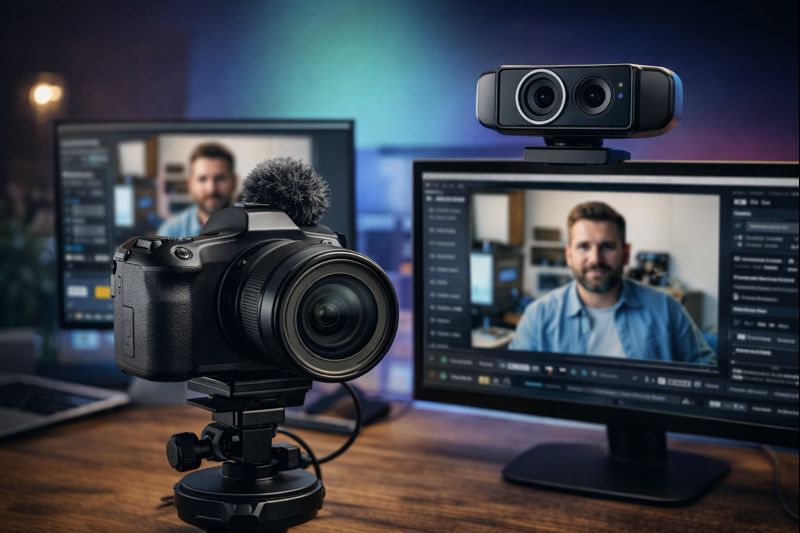
Streaming Cameras

Crisp video for Zoom, OBS, YouTube, and Twitch.

microphones

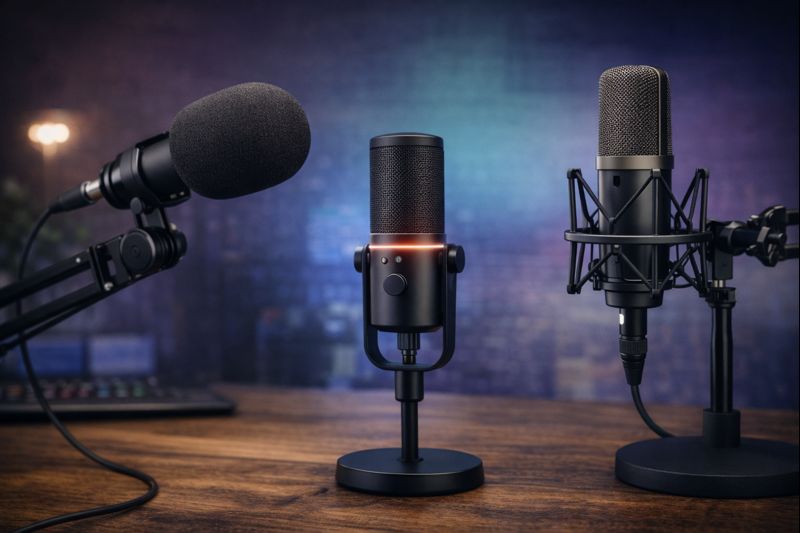
Microphones

Clear audio for voiceovers, vlogs, and livestreams.

lighting kits

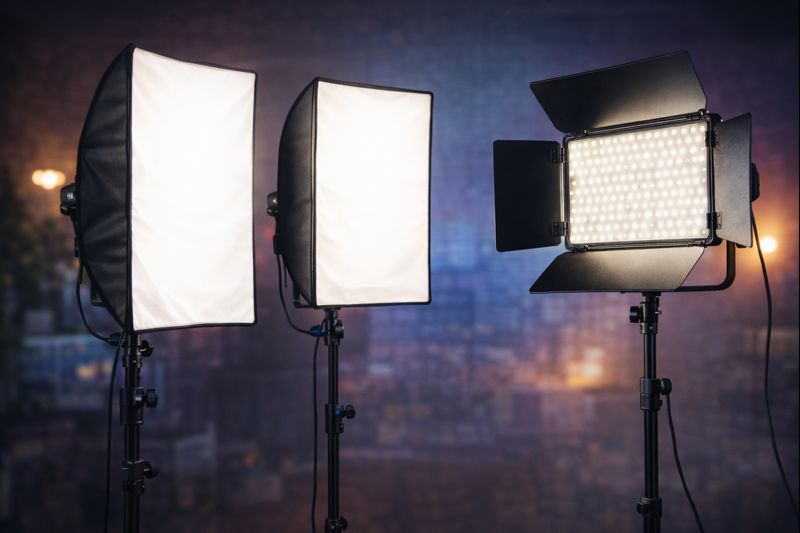
Lighting Kits

Improve visuals with studio-grade lighting.

View Lighting Gear >>

Mounts & Tripods

Flexible mounts for perfect framing and stability.

Browse Tripods >>

Green Screens

Swap backgrounds or shoot clean content.

Browse Screens >>

capture cards

Capture Cards

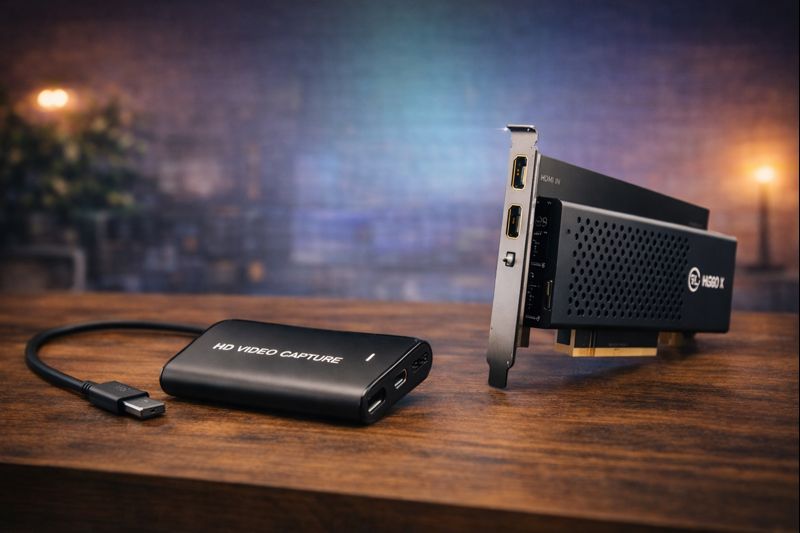
Stream or record gameplay, DSLR feeds, or external devices in HD quality, zero lag.

View Cards >>

Popular Tool Reviews & Tutorials

We tested multiple video editing platforms, including apps, browser-based editors, and desktop software.

Must-Have Live Streaming Equipment for Creators in 2026

How to Download Reels Without Watermarks

Clean downloads from Instagram, TikTok, Shorts & more.

View Guide >>

The Best Budget Video Cameras for High-Quality Videography on a Shoestring

Best Free Video Editors for Creators

Edit on mobile, desktop, or web no watermarks or lag.

See List >>

Tools and tips for getting crisp, clean audio.

Latest Guides & Deep Dives

Frequently Asked questions

Most creators use a blend of video editors (like CapCut, VN), screen recorders (OBS, ScreenRec), and AI-based tools for subtitles or transcripts. But what works best depends on your platform and content style compare tool categories here.

Yes, several tools allow this but be mindful of usage rights. See our best audio extractor tools and how-to guides to extract without losing quality.

Many free tools are safe but some come with watermarking, limited exports, or privacy risks. We’ve tested and reviewed legit free tools here so you don’t have to take chances.

We don’t list every tool, we test, compare, and review what actually works. Our breakdowns are built for creators who want clarity, not noise. 

About TopStreamingReview

TopStreamingReview.com is your complete guide to the streaming world. We cover video and audio streaming platforms, live broadcasting tools, transcoding solutions, and top product reviews. Our goal is simple — to bring unbiased, practical insights that help viewers, creators, and brands make the right streaming choices.